
AppLock puts private apps behind another door
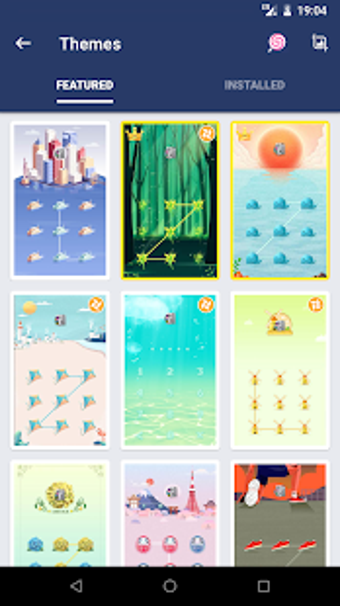
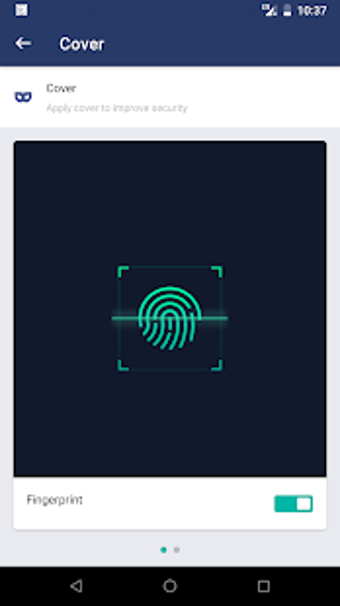
AppLock is a privacy tool from DoMobile that adds an extra lock to selected apps, settings, and personal media. It supports PIN, pattern, and fingerprint authentication, making it useful for shared phones or devices that other people handle. The app also includes privacy extras such as a photo and video vault, intruder selfie alerts, icon disguise, and a fake crash screen.
Top Recommended Alternative

Lock the apps, not the whole phone
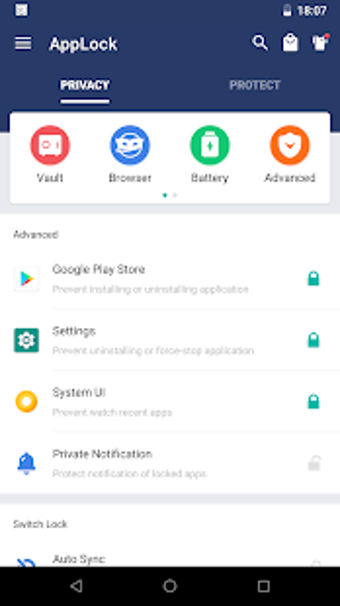
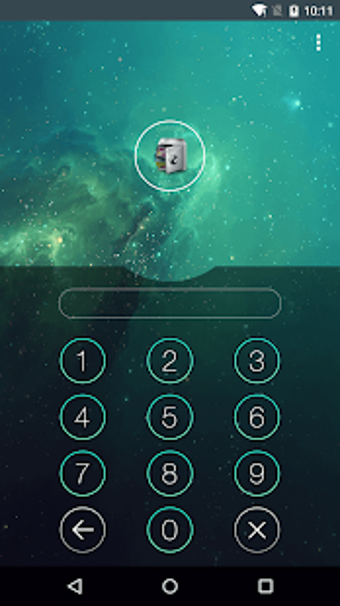
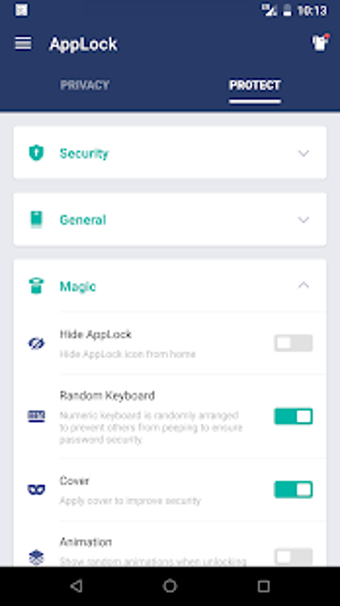
AppLock lets users protect individual messaging, social, gallery, and system apps instead of locking the entire device again. It can also restrict actions such as app installation, uninstallation, and settings access. A random keyboard helps reduce PIN guessing from finger movement, while Advanced Protection adds another barrier against unauthorized removal.
Your gallery gets a private back room
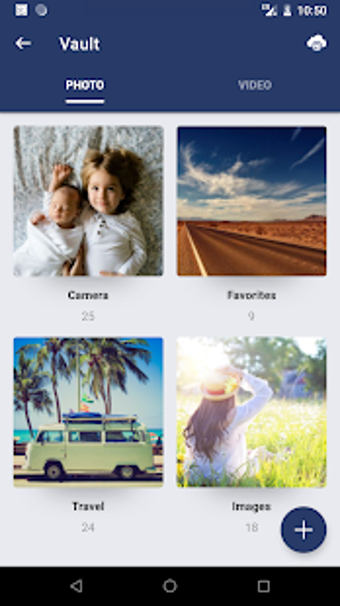
The photo and video vault helps move selected media away from the public gallery and into a password-protected area. Intruder selfie support can capture failed unlock attempts, while the fake crash screen hides the lock behind a misleading error message. The icon disguise also makes the app less obvious on shared devices, adding another layer of privacy through concealment.
Useful protection, with setup strings attached
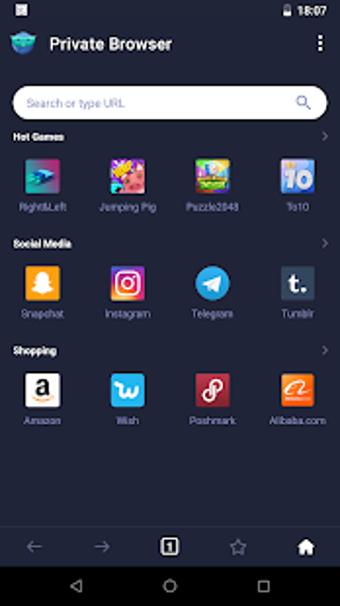
AppLock is designed for everyday privacy protection, but several features depend on permissions, device compatibility, and proper setup. Fingerprint unlocking requires supported hardware, and password recovery depends on configured security options. The app also includes an incognito browser for private browsing, while the free edition displays advertisements during use.
A solid guard for shared-device privacy
AppLock is a practical option for users who want selective privacy controls without locking down an entire device. Its app locks, vault, intruder selfie, and disguise tools fit shared-device situations well. The trade-offs are clear: ads appear in the free edition, some features need extra permissions, and recovery options require careful setup before problems happen.